 11
11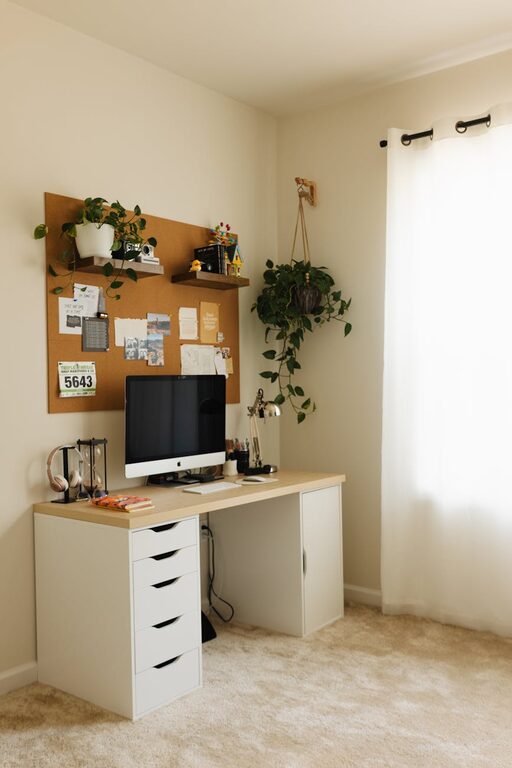
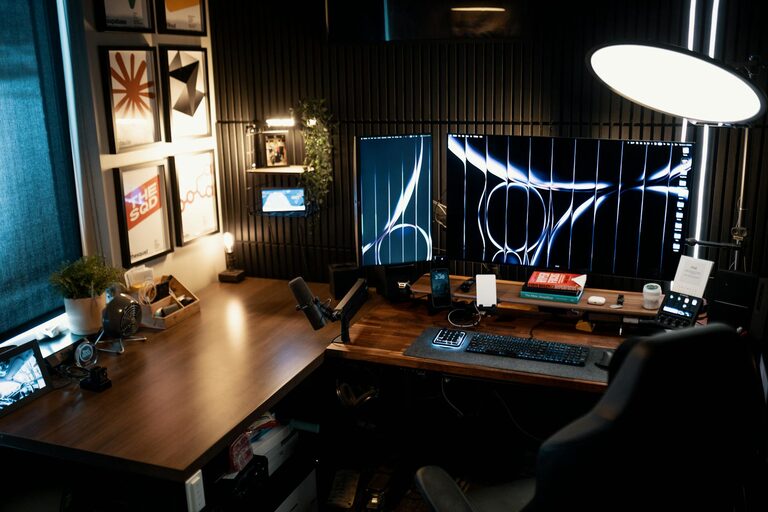
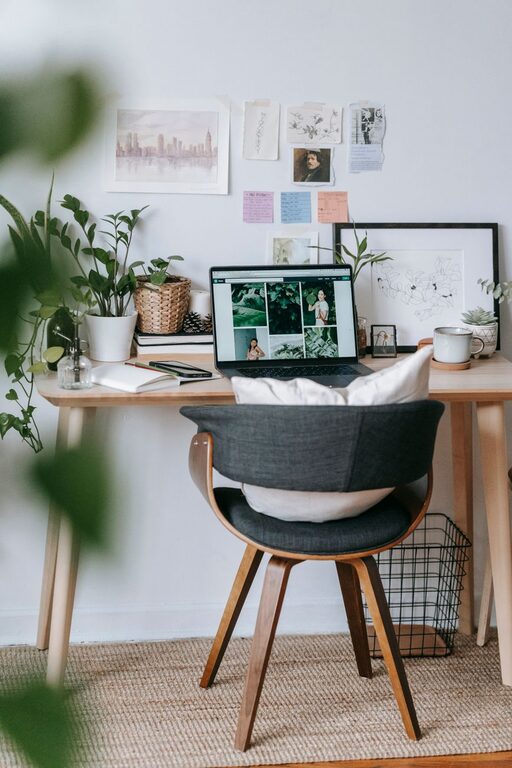
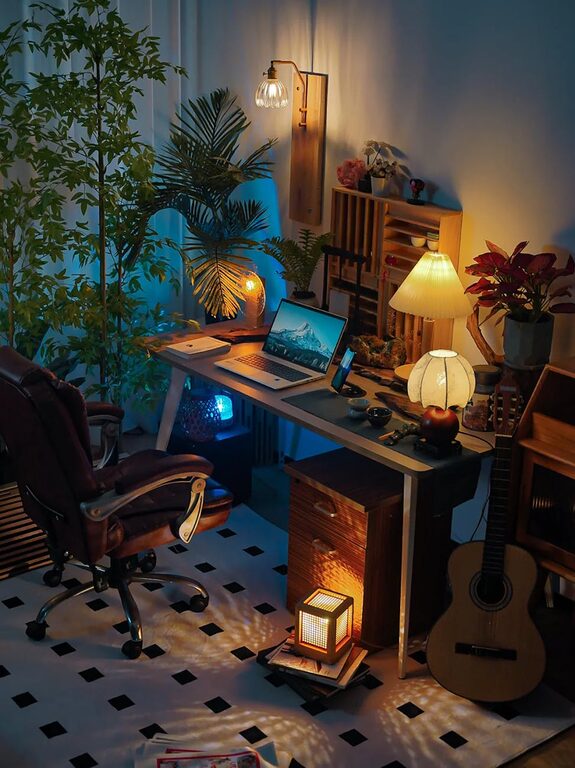
Creating a home office that feels both cozy and productive can transform the way you work from home. Whether you spend a few hours or a full eight-hour workday at your desk, your environment plays a crucial role in your focus and comfort. In this post, we’ll explore practical tips on how to design a home office space that encourages productivity while maintaining a welcoming, comfortable atmosphere.
Working in a space that’s too sterile or uncomfortable can decrease motivation and increase stress. On the other hand, an overly casual or cluttered space might distract you and reduce efficiency. Striking the right balance with your home office setup helps you stay organized, motivated, and comfortable — all essential for working well and enjoying your time at home.
Natural light is one of the best ways to boost mood and energy. Try setting up your desk near a window that offers ample daylight but avoid glare on your computer screen. If natural light isn’t an option, invest in quality artificial lighting that mimics daylight to reduce eye strain.
Noise levels also influence your focus, so pick a quiet corner or room where interruptions are minimal. If noise is unavoidable, noise-cancelling headphones or white noise machines might help create a peaceful work bubble.
Ensure the space you choose accommodates all your work essentials comfortably without feeling cramped. You should have enough room for your computer, documents, and any other tools you use daily. Think about the flow of your movement and try not to block pathways or create cluttered spots.
Your desk should be spacious enough to hold your computer, notepads, and other essentials. Adjustable desks that allow you to switch between sitting and standing positions can promote better posture and reduce fatigue.
A supportive chair designed for long hours of sitting is crucial. Look for one with adjustable height, lumbar support, and comfortable cushioning. Ergonomics matter not just for comfort but also for preventing back and neck pain.
Consider adding a footrest, wrist support, or ergonomic keyboard and mouse to reduce strain. These small adjustments can make a big difference in your daily comfort.
Colors affect mood and productivity. Soft, warm tones like beige, muted blues, or greens can create a calming environment. Avoid overly bright or harsh colors that might cause eye fatigue or distraction.
Textiles like a soft rug, cozy throw blanket, or cushions add warmth and comfort. These elements soften the look of the space and make it inviting.
Plants bring life and natural beauty into your workspace. They improve air quality and reduce stress. Easy-care options like succulents, snake plants, or spider plants are ideal for low-maintenance green energy.
Decorate with pictures, artwork, or inspirational quotes that motivate you. Personal items make the space uniquely yours and can provide positive energy during work.
Clutter can hinder productivity and cause stress. Invest in shelves, filing cabinets, or storage boxes to keep papers and supplies neatly organized.
Use desk organizers for small items like pens, paper clips, and notes. This way, everything has its place and is easy to find.
Messy cords can distract and even create safety hazards. Use cable clips, ties, or sleeves to keep electronics neat and out of the way.
A tidy workspace contributes to a clear mind. Set aside a few minutes each day or week to clear your desk and organize files.
Make sure your computer, printer, and other tech tools are reliable and meet your work’s demands. Consider investing in a quality monitor for better ergonomics and eye comfort.
Apps for task management, time tracking, or focus (like timers or distraction blockers) can keep your workflow smooth and organized.
Set a schedule that fits your lifestyle and helps you stay disciplined. Regular breaks improve focus and prevent burnout.
If you share your home, communicate your work schedule and space needs to minimize interruptions.
Designing a cozy and productive home office takes a little planning but pays off in creating a space that supports both your well-being and professional success. By paying attention to lighting, comfort, personalization, organization, and technology, you can build an office environment that helps you enjoy working from home every day.
Start small and make improvements over time, and soon your home office will be a place you look forward to working in.