 11
11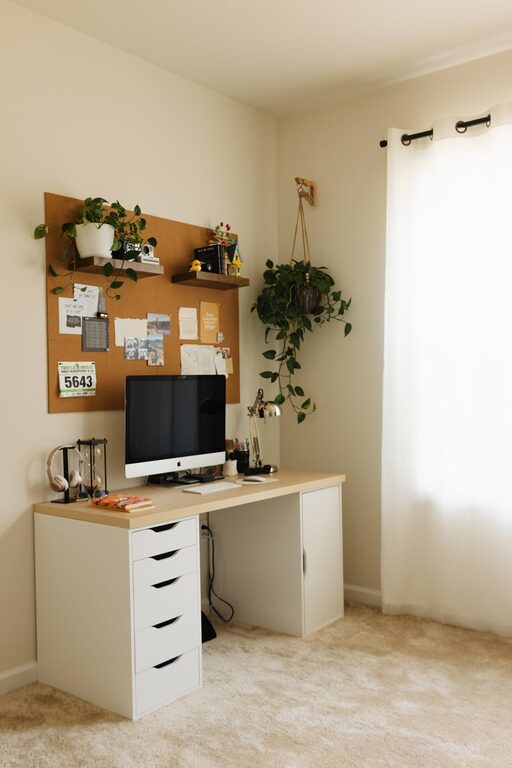
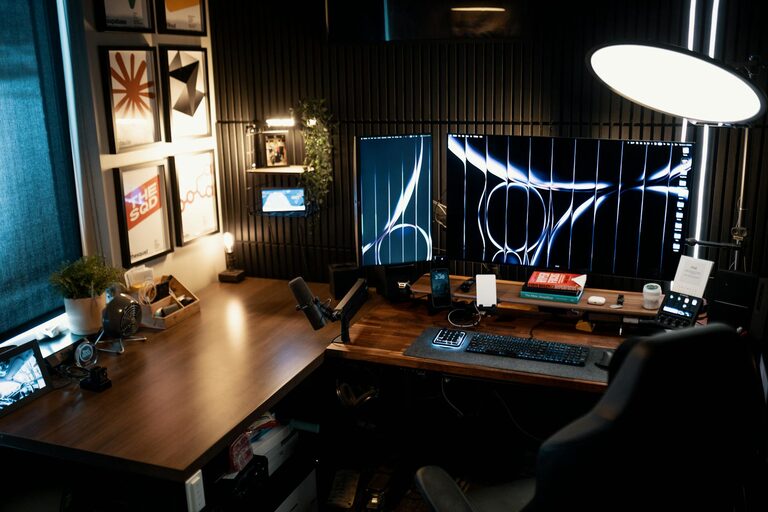
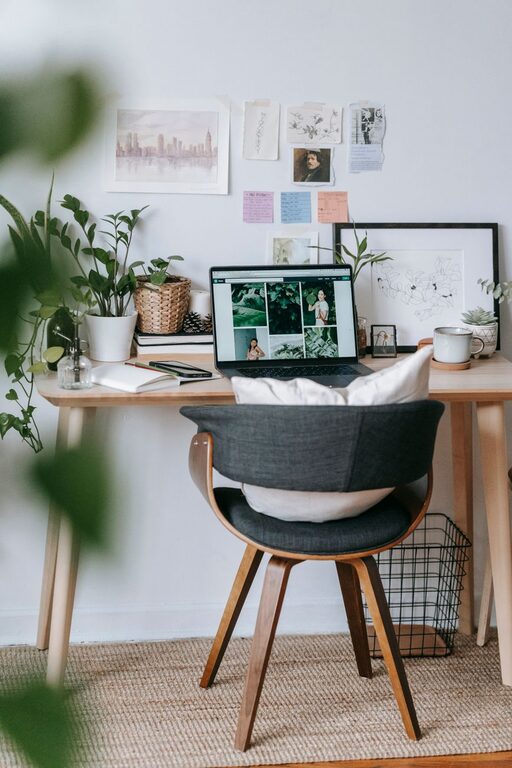
Creating a home office that combines coziness and functionality is key to staying motivated and comfortable throughout your workday. Whether you’re working remotely full-time or just need a dedicated spot for occasional tasks, designing the right space can make a big difference in your productivity and well-being. Here are some helpful tips to guide you through setting up a home office that feels inviting yet efficient.
Choosing where your home office will be located is the first step. Aim for a spot that minimizes distractions and allows you to separate work from personal life.
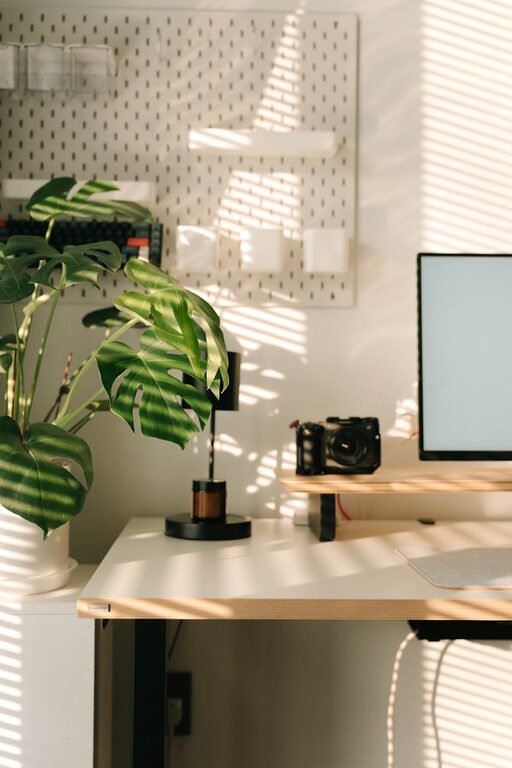
– Natural Light: Place your desk near a window if possible to benefit from natural light. It boosts mood and reduces eye strain.
– Quiet Area: Look for a quiet corner or spare room away from high-traffic areas.
– Space Considerations: Ensure there’s enough room for your desk, chair, and storage without feeling cramped.
Your furniture choices impact both comfort and productivity. Prioritize ergonomics to avoid discomfort during long work sessions.
– Ergonomic Chair: Choose a chair that supports your lower back and encourages good posture.
– Desk Height: Use a desk that’s at a comfortable height, allowing your elbows to rest at about a 90-degree angle.
– Adjustable Options: Consider a sit-stand desk or adjustable chair for changing positions during the day.
Good lighting reduces eye strain and creates a welcoming atmosphere.
– Task Lighting: Use a desk lamp with adjustable brightness for focused tasks.
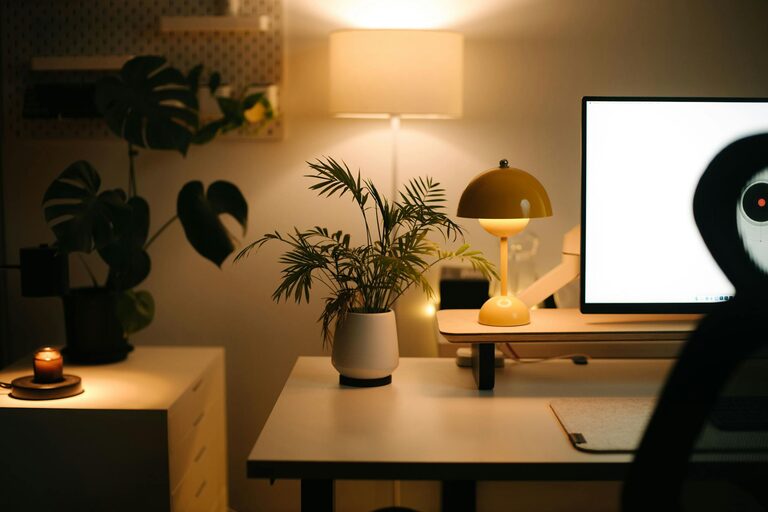
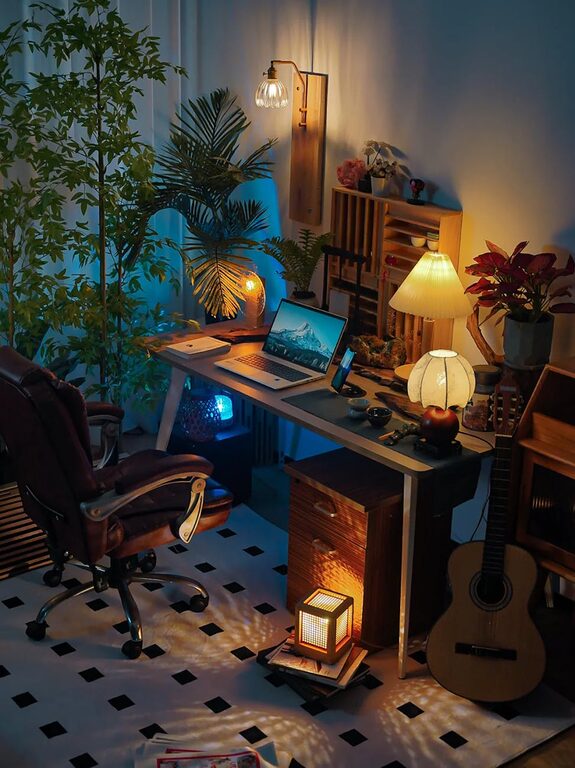
– Ambient Lighting: Consider soft overhead lights or floor lamps to create a warm glow.
– Avoid Glare: Position screens so sunlight does not cause glare.
Adding personal touches can make your office more inviting and motivate you to spend time there.
– Plants: Indoor plants improve air quality and add a natural element.
– Artwork: Hang inspiring art or photos that make you feel positive.
– Colors: Choose calming colors like soft blues, greens, or neutrals to create a peaceful vibe.
A tidy workspace helps you stay focused and reduces stress.
– Storage Solutions: Use shelves, drawers, and organizers to keep supplies neatly arranged.
– Cable Management: Use clips or sleeves to manage cords and prevent tangles.
– Daily Cleanup: Spend a few minutes each day putting things back in place.
Your tech setup should support your work without adding clutter or frustration.
– Reliable Internet: Ensure your internet connection is fast and stable.
– Efficient Equipment: Select devices that meet your work needs, such as a good monitor, keyboard, and mouse.
– Declutter Screens: Use apps or desktop organization tools to keep digital files manageable.
If space allows, consider dividing your home office into areas for different activities.
– Work Zone: Primary desk area for computer work and meetings.
– Reading/Planning Zone: A comfortable chair or small table for reviewing documents or brainstorming.
– Storage Zone: Shelves or cabinets for files and supplies.
Temperature affects concentration and comfort.
– Heating/Cooling: Ensure your space can be heated or cooled easily.
– Ventilation: Keep the air fresh with a fan or open window occasionally.
Little touches can make your office feel more inviting.
– Rug or Mat: A soft rug underfoot adds warmth.
– Blanket or Cushion: Extra comfort during chilly days or long sessions.
– Noise Control: Use noise-cancelling headphones or soundproofing materials if needed.
To maximize focus and maintain work-life balance, set clear boundaries.
– Work Hours: Define specific times for work to avoid burnout.
– Signage or Signals: Use a door sign or signal to minimize interruptions.
Designing a cozy and functional home office is about balancing comfort and productivity. By thoughtfully selecting your space, furniture, lighting, and accessories, you can create an environment that supports your work while feeling welcoming. Remember, your home office should reflect your personal style and cater to your unique work needs. Small changes can make a big impact on your daily routine and overall well-being. Happy decorating!