 11
11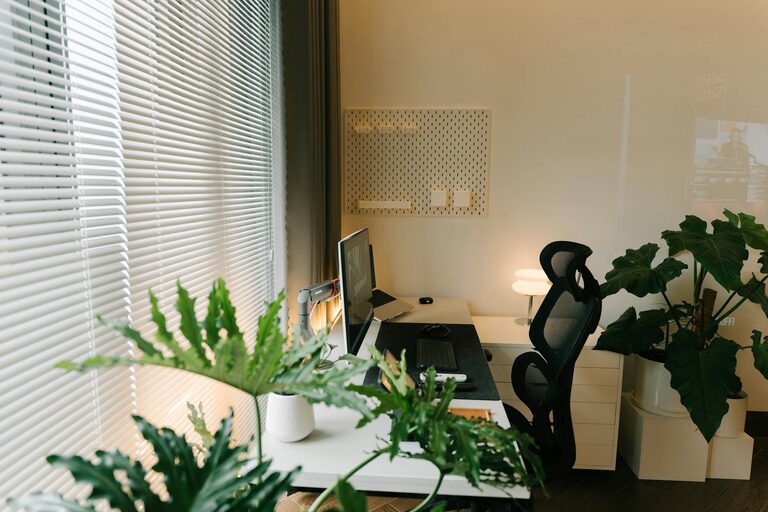
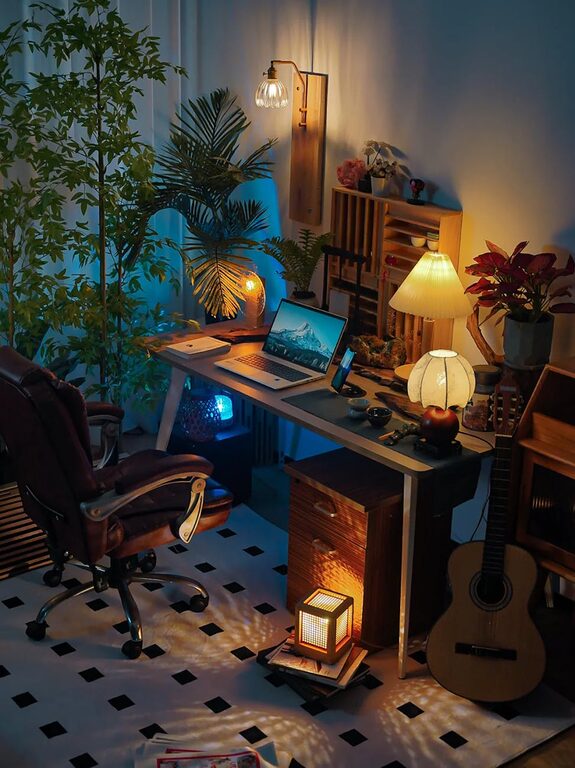
Setting up a home office that promotes both comfort and productivity can make a significant difference in your daily work experience. Whether you are working remotely full-time or occasionally, a well-designed workspace helps you stay focused, reduce stress, and maintain a healthy work-life balance. In this post, we’ll explore practical tips for creating a home office environment that supports your best work.
Selecting a dedicated space for your home office is the first step. Look for an area away from high-traffic parts of your home. A quiet, low-distraction location helps you stay focused and maintain a clear boundary between work and personal life.
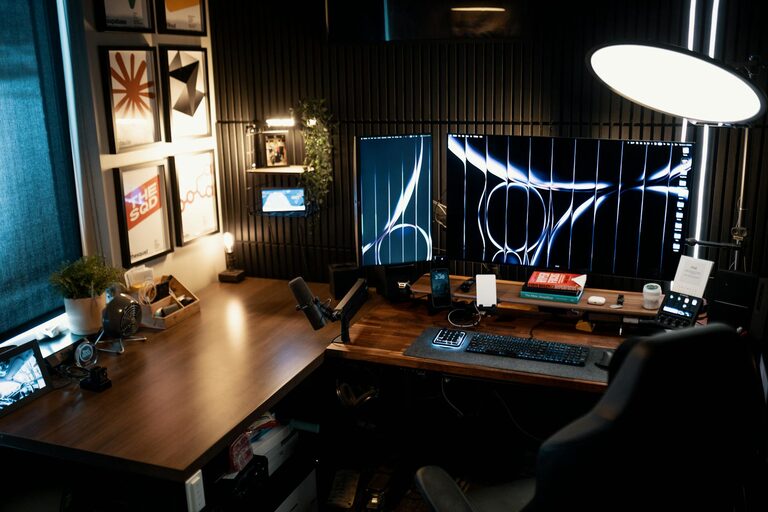
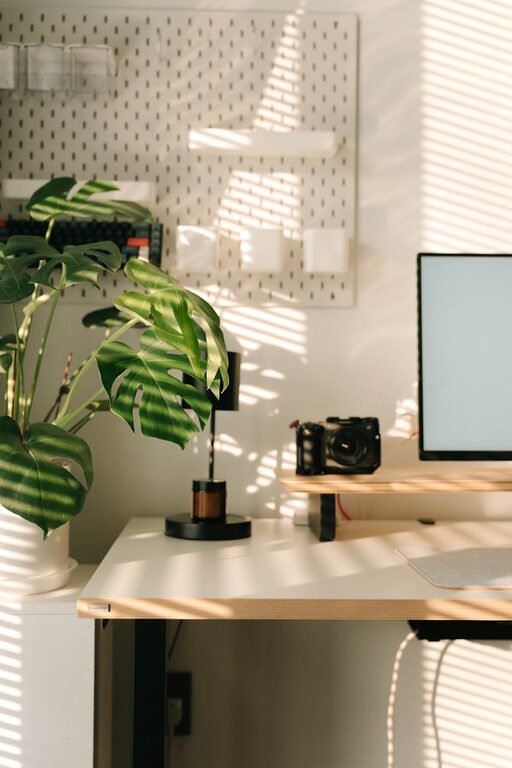
Natural light boosts mood and energy levels, so try to position your desk near a window. If natural light is limited, invest in good quality artificial lighting that mimics daylight to reduce eye strain.
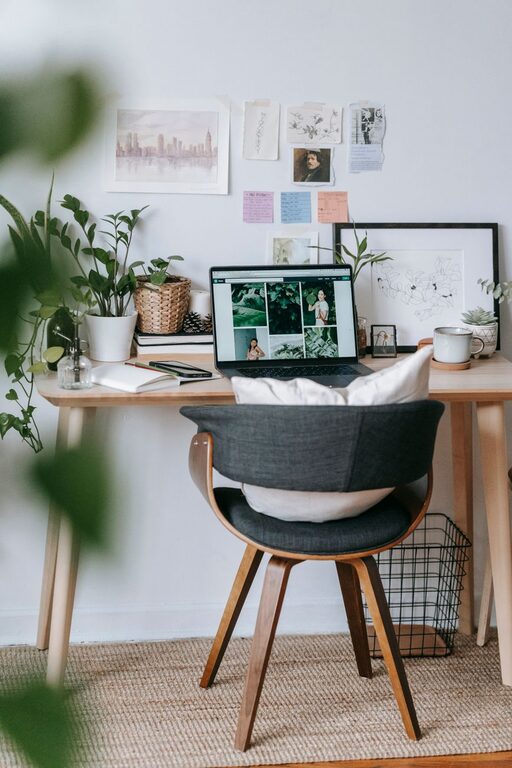
A supportive chair is essential for long hours at your desk. Choose one with adjustable height, lumbar support, and adequate cushioning to maintain good posture and reduce back pain.
Your desk should allow your elbows to rest comfortably at a 90-degree angle when typing. Adjustable desks or sit-stand converters are great options to vary your position throughout the day.
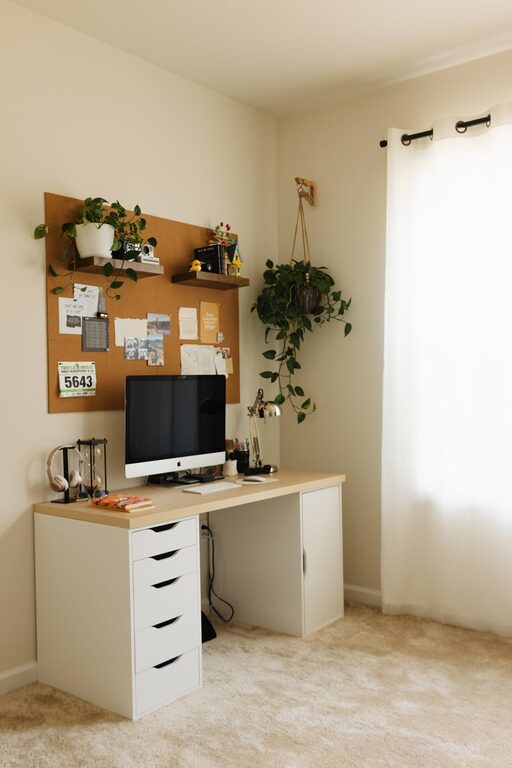
A cluttered desk can distract and stress you. Keep only the essentials within reach and store other items in drawers or organizers.
Shelves, filing cabinets, and desk organizers help maintain order and keep important documents accessible.
A strong and stable internet connection is critical for virtual meetings and online tasks. Consider upgrading your Wi-Fi router or using a wired connection for greater reliability.
Position your monitor at eye level, about an arm’s length away, to reduce neck strain. If you work with multiple screens, arrange them in a slight curve for easy viewing.
Indoor plants improve air quality and add a calming touch to your office. Choose low-maintenance varieties like succulents or snake plants if you don’t have a green thumb.
Displaying photos, artwork, or inspirational quotes can make your space feel more inviting and motivating.
If noise is unavoidable, noise-cancelling headphones can help block distractions and improve concentration.
Consider weatherstripping doors, adding rugs, or using room dividers to reduce ambient noise levels.
Keep windows open when possible to improve air circulation. Poor air quality can cause fatigue and reduce productivity.
Ensure your workspace is neither too hot nor too cold. Use fans, heaters, or air conditioners as needed to maintain a comfortable environment.
Define specific work times to create a routine. This boundary helps improve focus during work hours and encourages relaxation afterward.
Regular breaks prevent burnout. Use techniques like the Pomodoro method—work for 25 minutes, then take a 5-minute break—to stay refreshed.
Combine overhead lights with desk lamps to avoid harsh shadows and evenly light your workspace.
Dimmer switches or lamps with adjustable brightness give you control over the lighting depending on the time of day or task.
Place them close enough to avoid overreaching. Wrist supports or ergonomic keyboards can reduce strain.
Stand, stretch, and walk around regularly to prevent stiffness and promote circulation.
—
Creating a comfortable and productive home office is about combining function with personal comfort. By carefully choosing your location, investing in ergonomic equipment, keeping your space organized, and paying attention to lighting and air quality, you can build an environment that encourages your best work. Remember to take care of your well-being by incorporating routines and breaks throughout your day. With these tips, your home office can become a place where productivity and comfort go hand in hand.