 11
11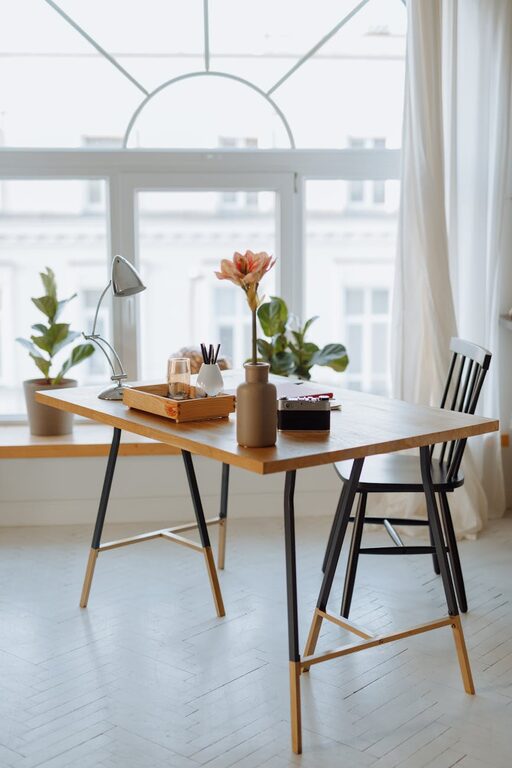
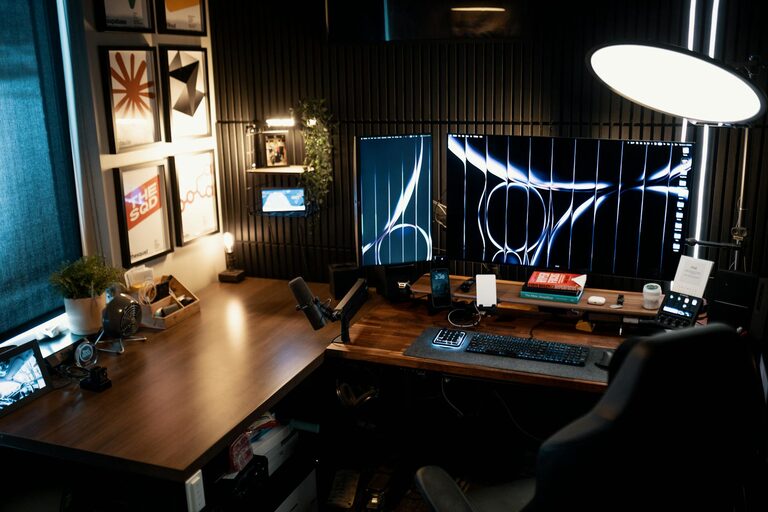
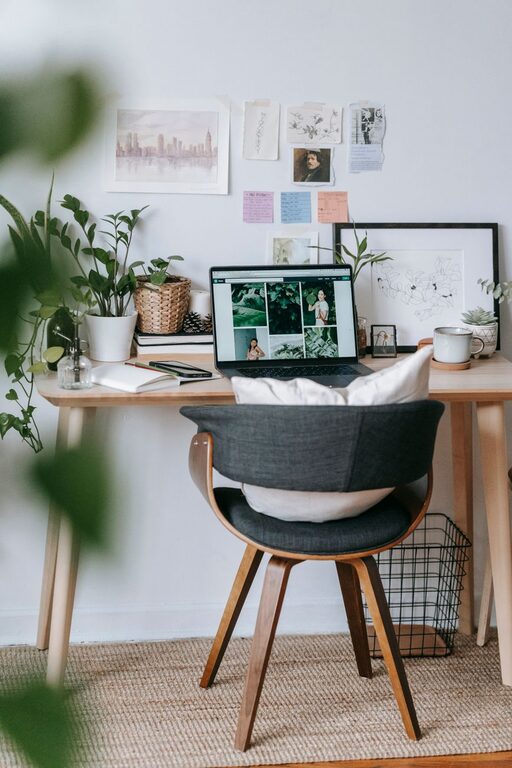
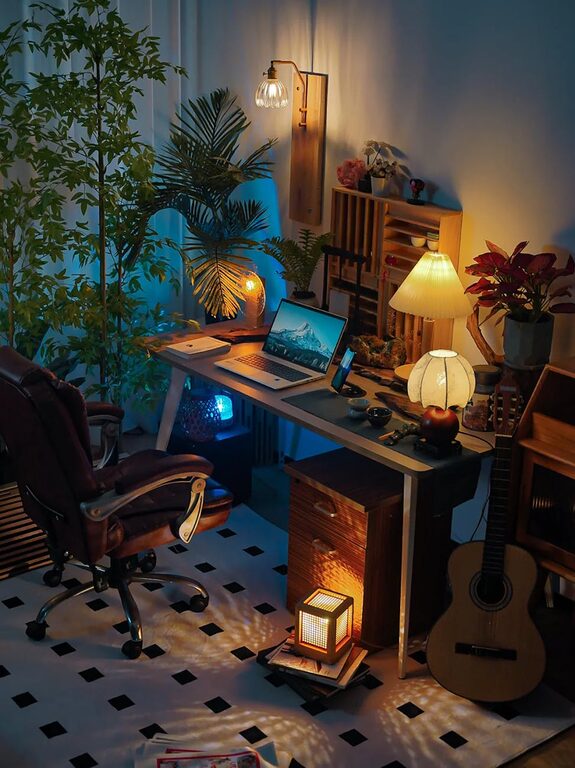
Creating a workspace at home that is both cozy and functional can transform the way you work. Whether you’re working remotely full-time or just occasionally, having a dedicated area that promotes focus and comfort is essential. Below, we share practical tips to help you design a home workspace that feels welcoming and supports your daily tasks.
Natural light improves mood, energy, and productivity. Aim to set up your workspace near a window if possible. Position your desk to take advantage of the light without glare on your computer screen.
Pick a quiet corner or room where you can work without interruptions. If space is limited, use room dividers or noise-canceling headphones to create boundaries.
Comfort is key during long work hours. Choose an ergonomic chair that supports your back and promotes good posture. Your desk should be at a height where your arms rest comfortably while typing.
If possible, opt for an adjustable desk that lets you alternate between sitting and standing to reduce fatigue and improve circulation.
A clean workspace helps maintain focus. Keep only essentials on your desk and store the rest in drawers or shelves.
Incorporate organizers such as trays, file holders, and drawer dividers to keep papers, stationery, and gadgets neatly arranged.
Incorporate soft items like a throw blanket, a cushion, or a small rug to add warmth and comfort.
Houseplants improve air quality and create a calming atmosphere. Choose low-maintenance options like pothos, succulents, or snake plants.
Good lighting reduces eye strain and enhances focus. Use a combination of overhead lighting and a desk lamp with adjustable brightness.
Warm white bulbs create a soothing environment that can reduce stress compared to harsh, cool-toned lighting.
Ensure your workspace is well-ventilated. Open windows when possible or use an air purifier to keep the air fresh.
Maintain a comfortable room temperature to avoid discomfort that can distract you during work.
Use clips, sleeves, or boxes to keep cords organized and prevent clutter.
Invest in a good quality keyboard, mouse, and webcam if needed, to enhance comfort and efficiency.
Stick to consistent start and finish times to create a clear separation between work and personal life.
Include short breaks to stretch, hydrate, or relax. A well-designed workspace supports these healthy habits.
—
By applying these tips, you can create a cozy and functional home workspace tailored to your needs. A thoughtfully arranged environment helps you stay productive, comfortable, and motivated throughout your workday. Remember, the goal is to make your workspace an inviting place where you enjoy spending time and doing your best work.